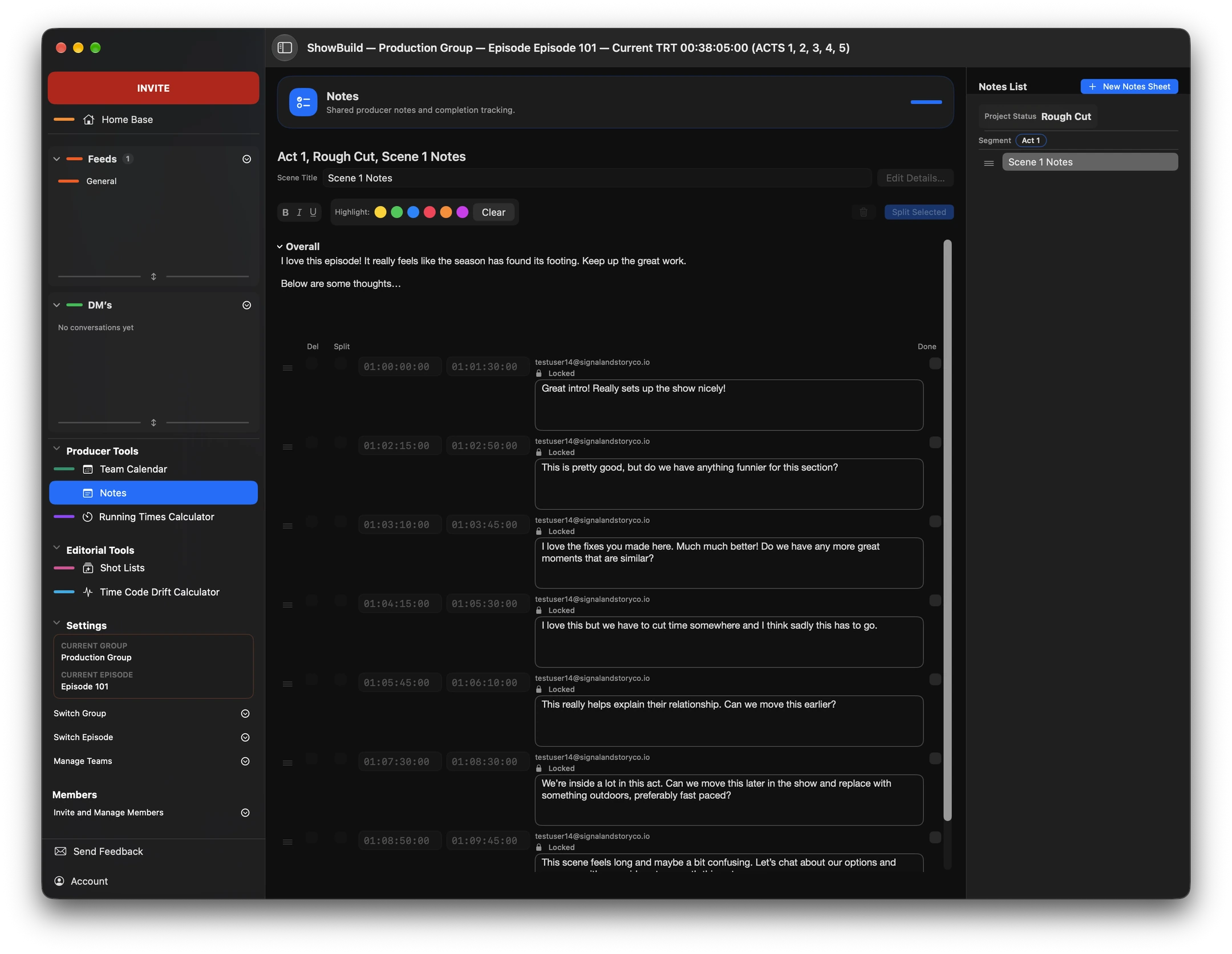
Producer Notes
Keep notes with the episode so editors and producers can refer to the same feedback as they work.

ShowBuild for Mac
ShowBuild for Mac brings your post-production workspace together on the desktop. Manage groups, keep multiple episodes open in tabs, bring VFX shot lists in from DaVinci Resolve, and work with the tools your team uses every day.

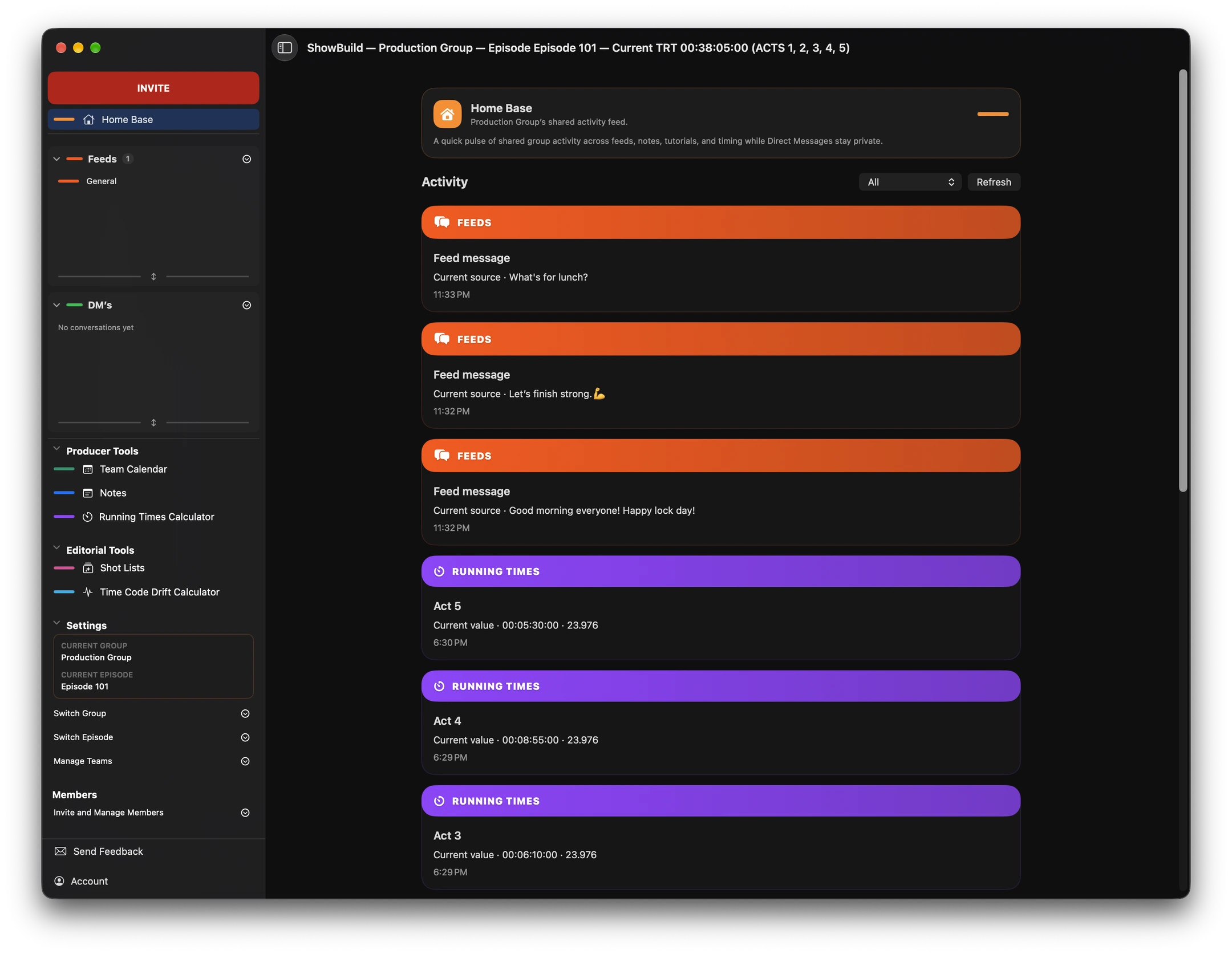
Groups & episodes
Give each production a group and organize its episodes in one place. Keep episodes open in separate tabs as you move between cuts. From the sidebar, jump to a shot list, check the schedule or return to Home Base for the latest team activity.
VFX shot lists · DaVinci Resolve
As a cut changes, keeping a VFX spreadsheet current can take time away from the edit. Bring shot lists from DaVinci Resolve into ShowBuild for Mac so editors, producers and VFX artists can track the work together.
Explore the Resolve integration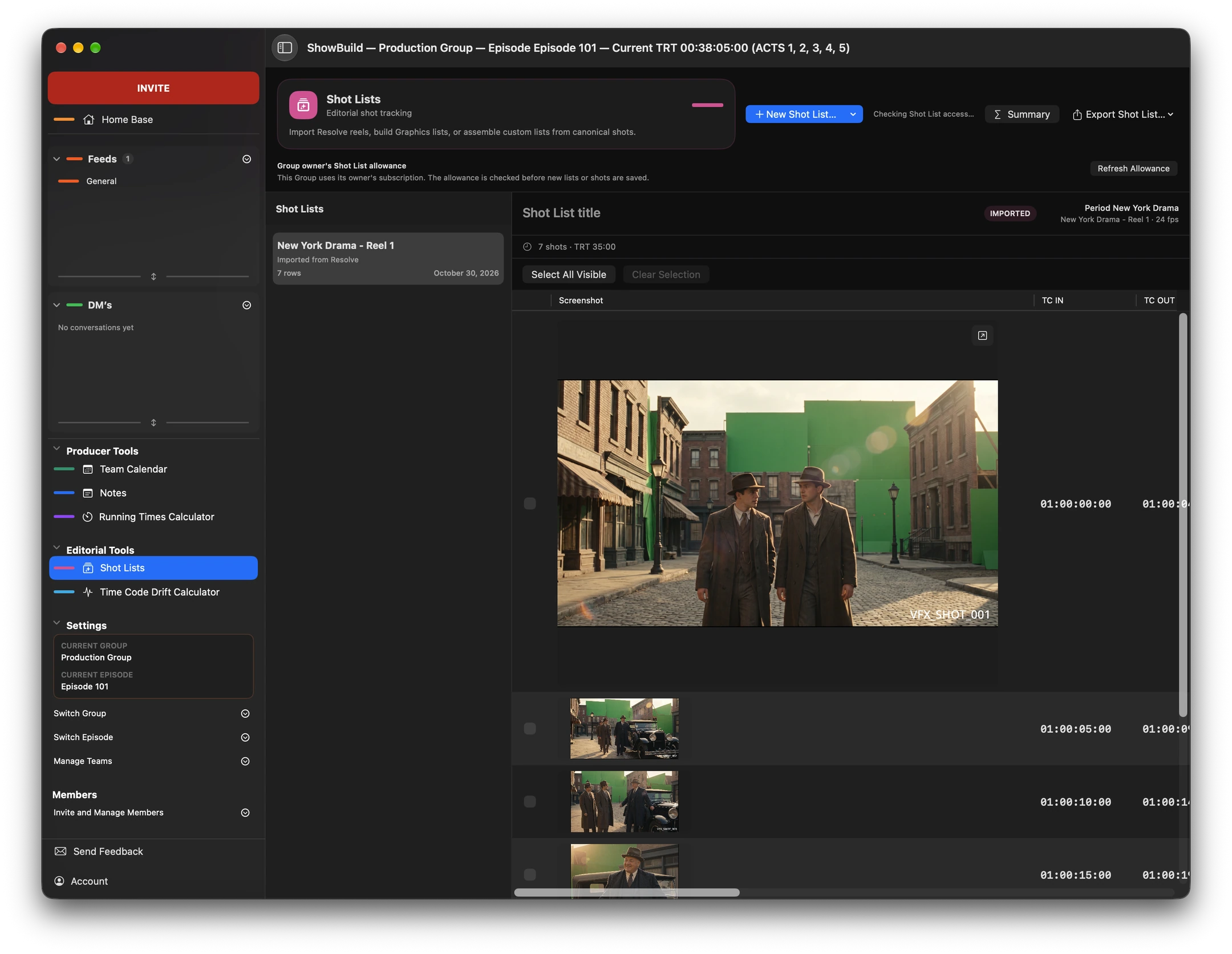
Mac exclusive · Editorial tools
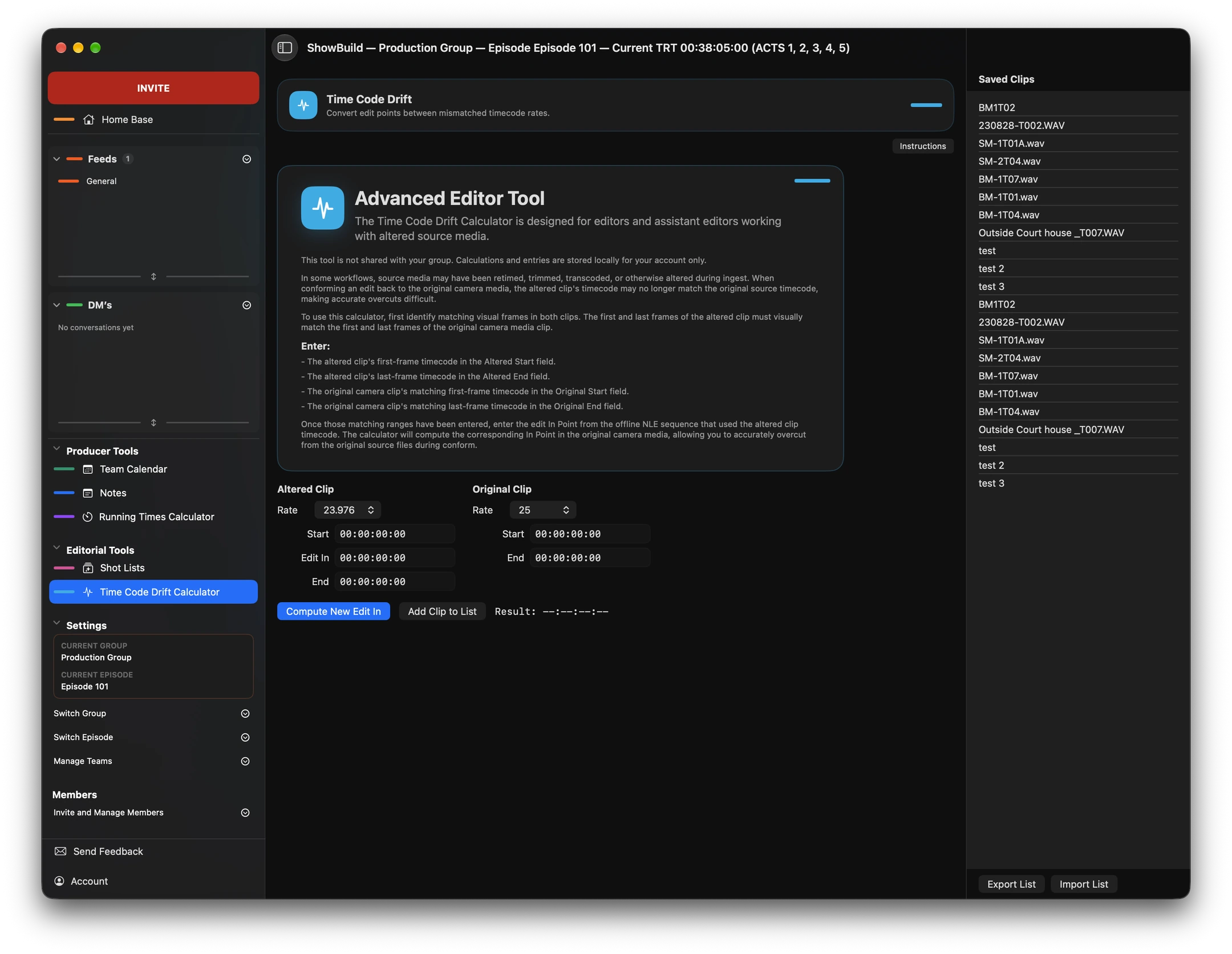
Sometimes footage changes during offline editorial, making it difficult to match an edit back to the original camera media.
The Time Code Drift Calculator helps editors calculate the correct source-media In Point for an accurate overcut, even when timecode or playback speed has changed.
Calculations run locally on your Mac and aren’t shared with the group.
The production desk
Keep notes with the episode so editors and producers can refer to the same feedback as they work.
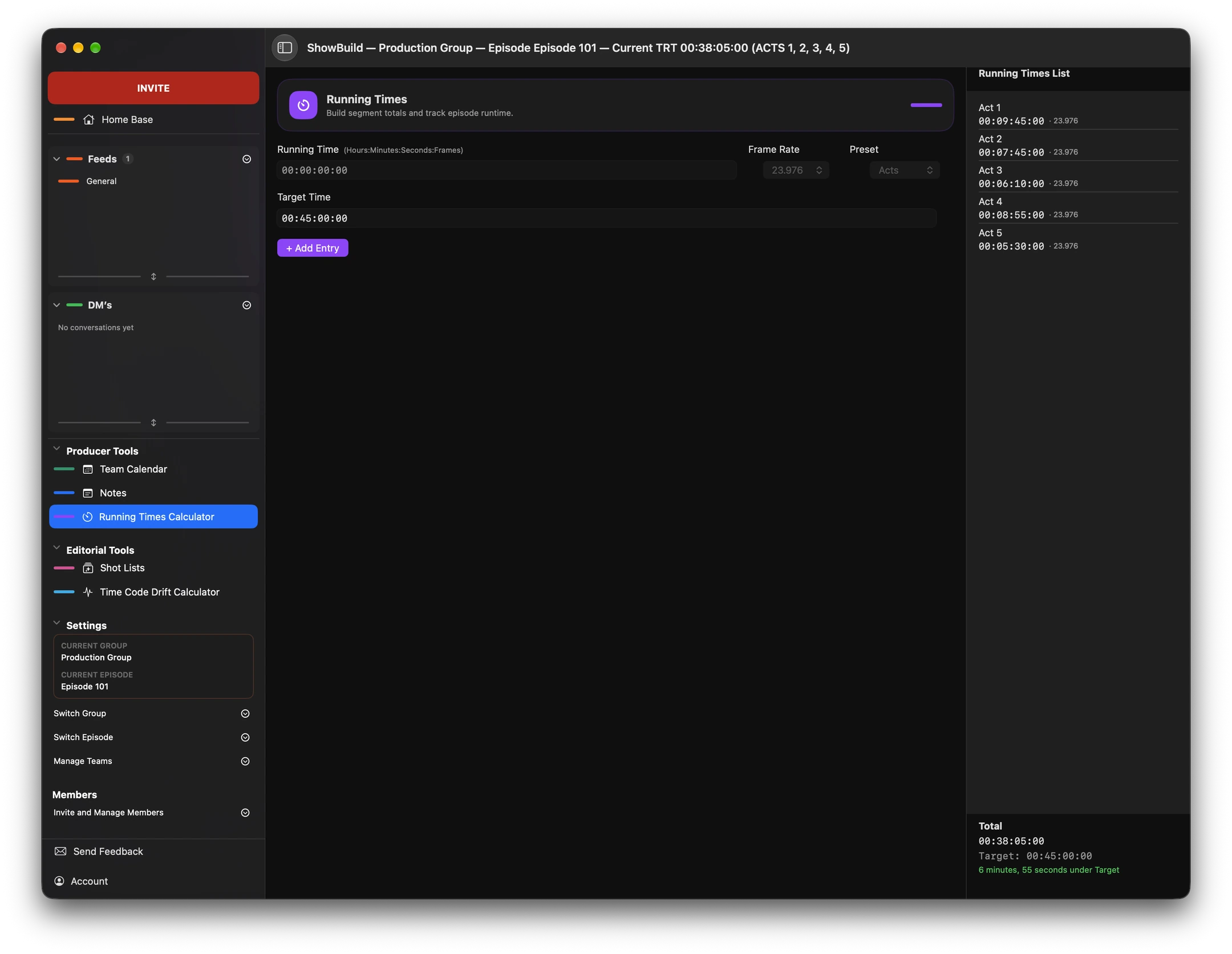
Track the length of each cut and share current running times with the team across episodes.
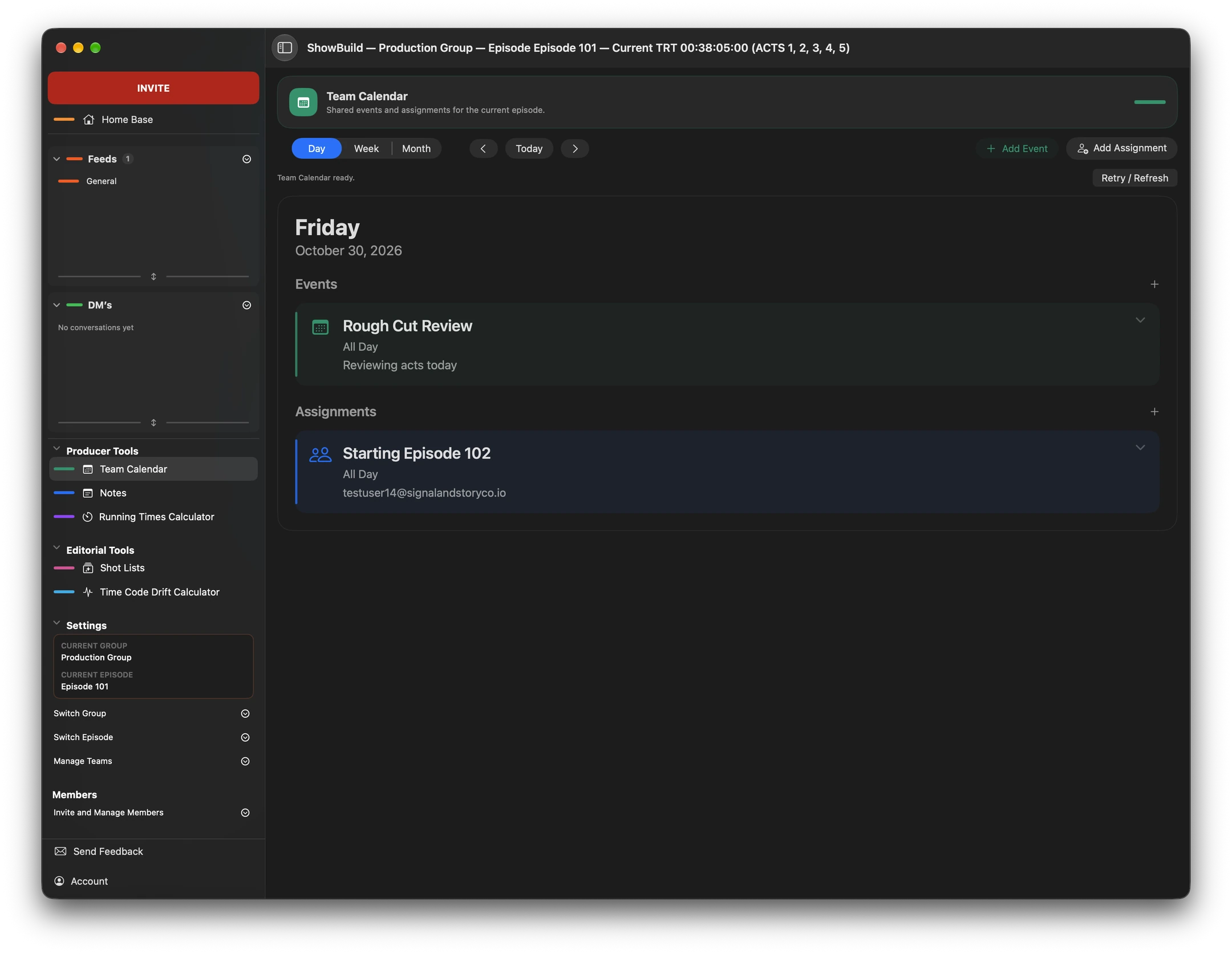
Check production dates from the same workspace as your notes and shot lists. The team schedule is always close at hand.
Also in the workspace
Use Group Feeds for production conversations and Direct Messages to reach a teammate without leaving ShowBuild.
Explore the ShowBuild overview