 ShowBuild Track for MacComing Soon
Screen tracking for the shots that are hard to track.
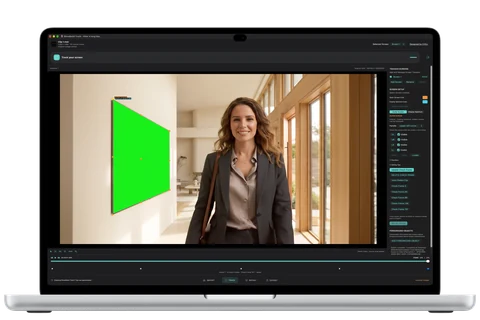
A screen falls out of focus, slips behind an actor, or moves partly out of frame. When its edges become unreliable, ShowBuild Track uses the surrounding picture to estimate where the screen belongs. You review those estimates and refine the track.
The workflow
From footage to composite.
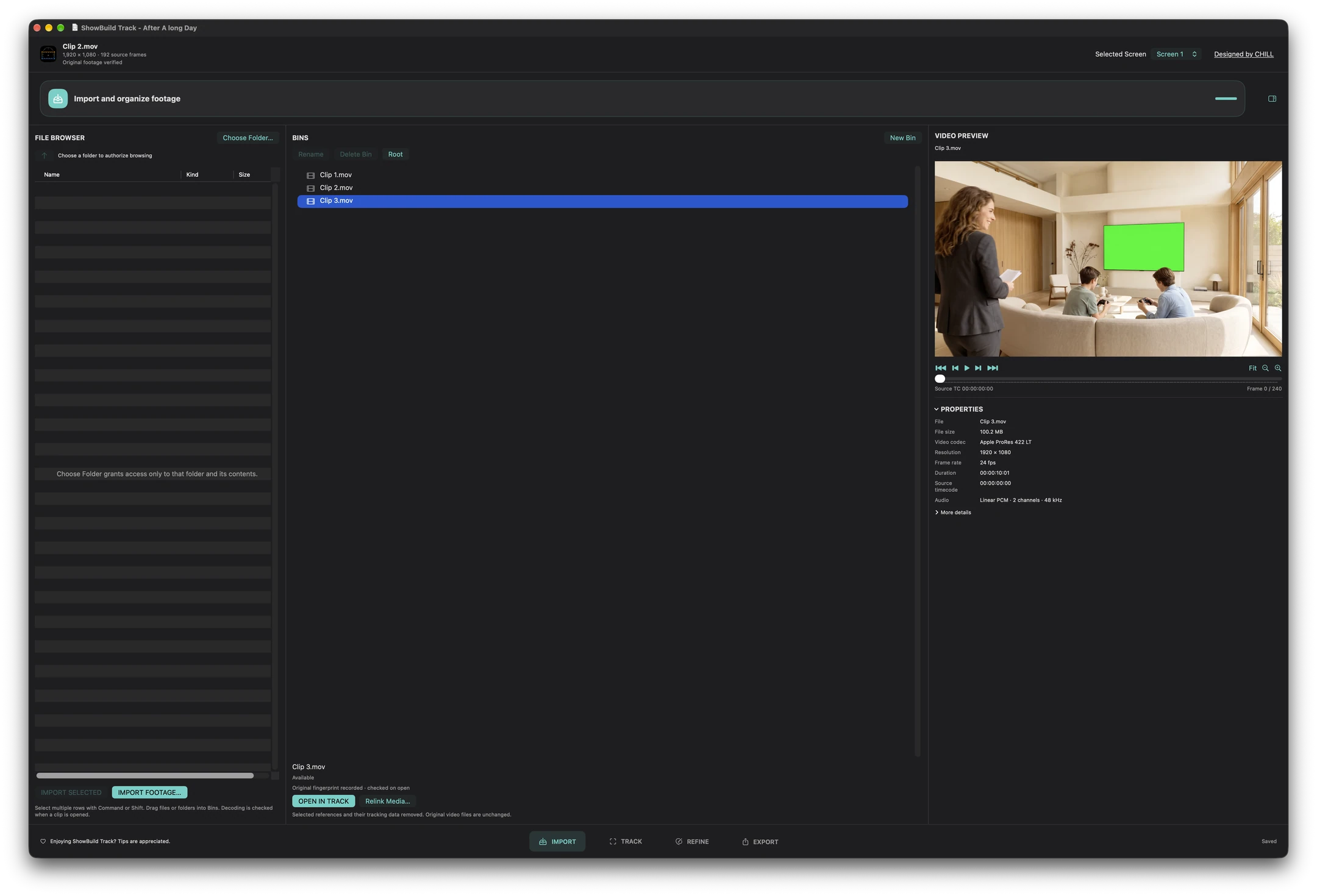
01 / Import and organize
Start with your footage.
Bring footage into the media browser, organize your shots, and choose the clip you want to track.
02 / Track
Track the screen.
Not just the corners.
Track multiple screens in a shot. When an actor crosses a display, mark the foreground object, generate a matte from your selections, and review it before approving it for export.
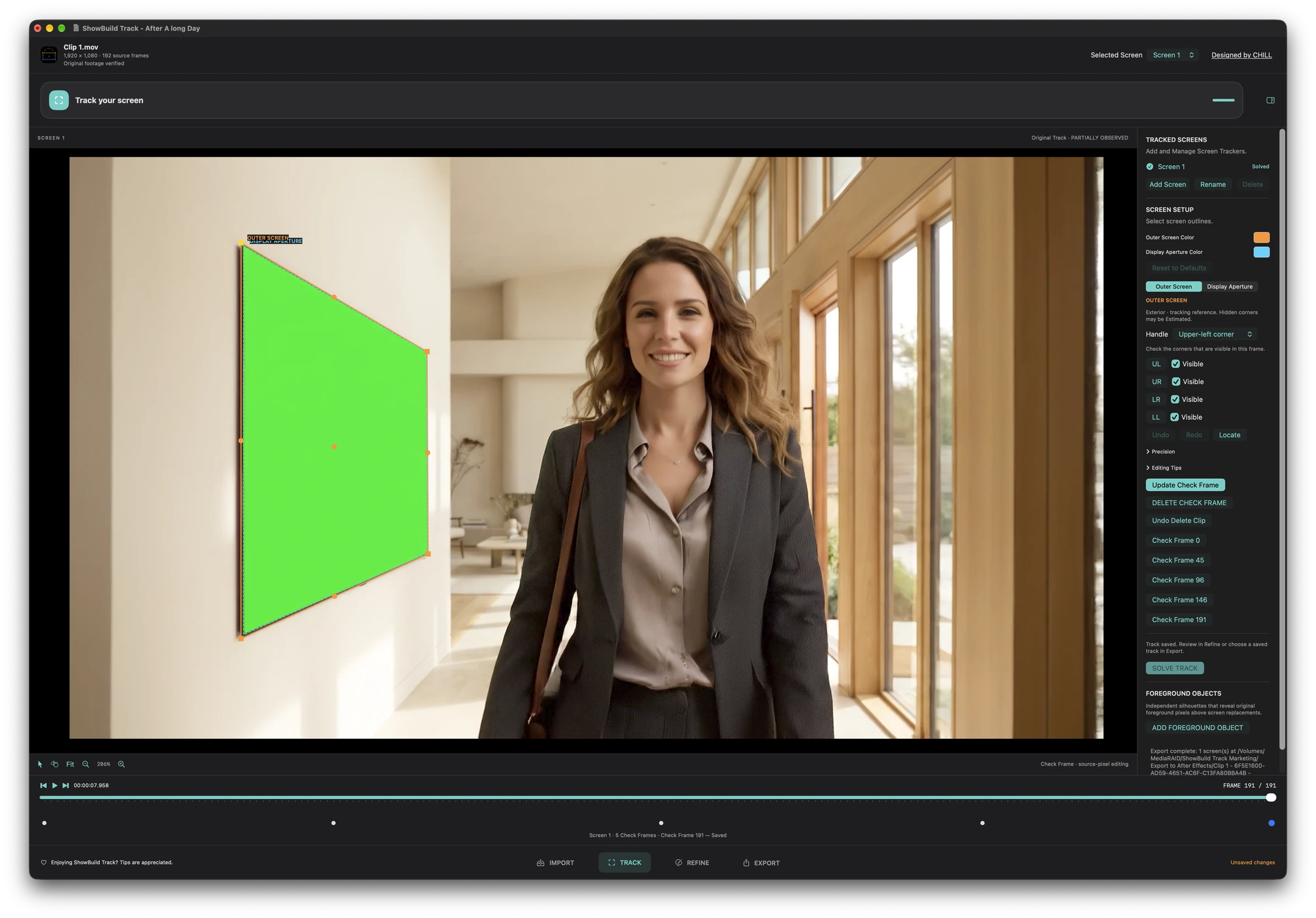
03 / Refine
Make the track your own.
Step through a difficult passage and check the estimated screen position against the footage. Adjust the frames that need attention, then run Refine Solve to apply your corrections.
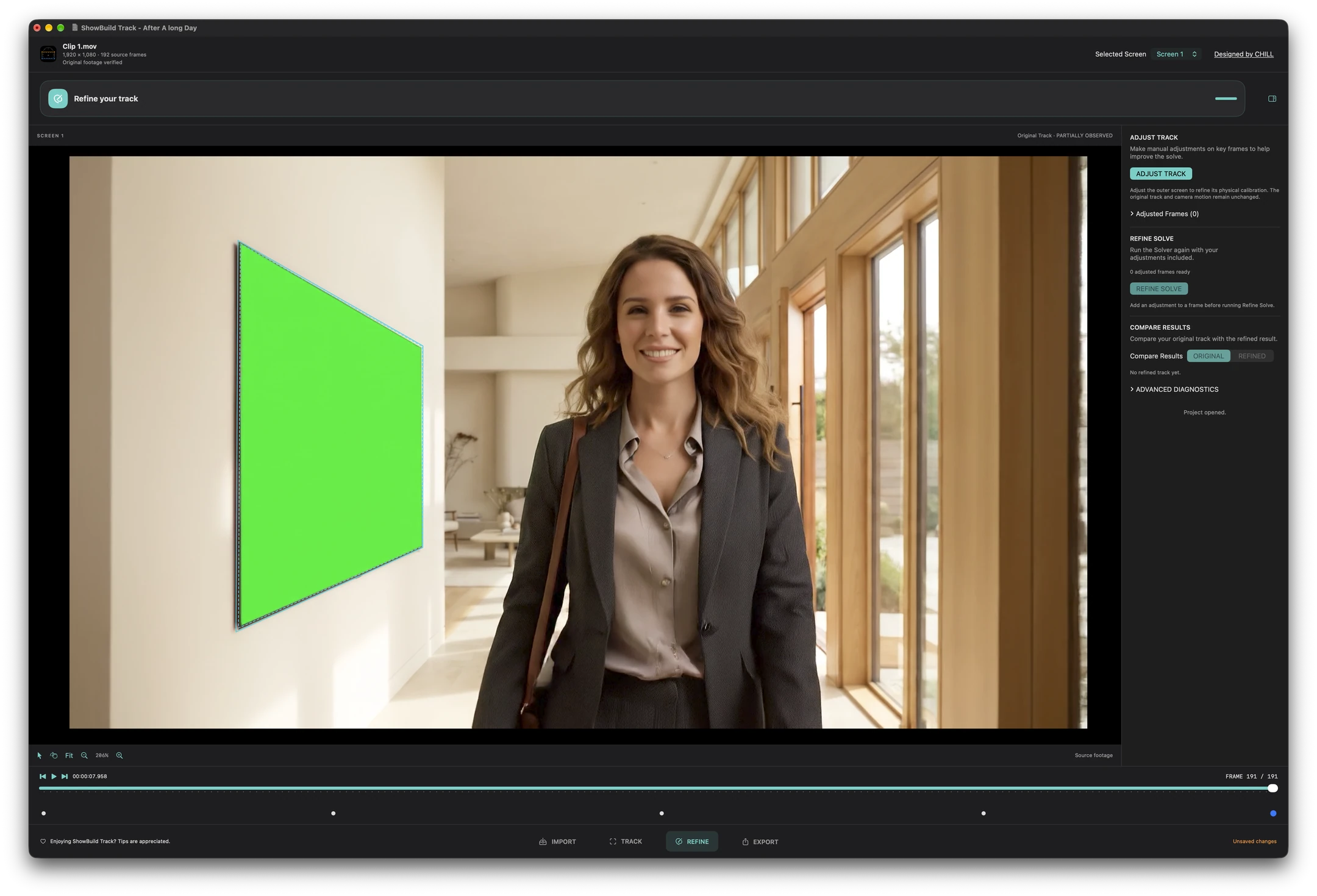
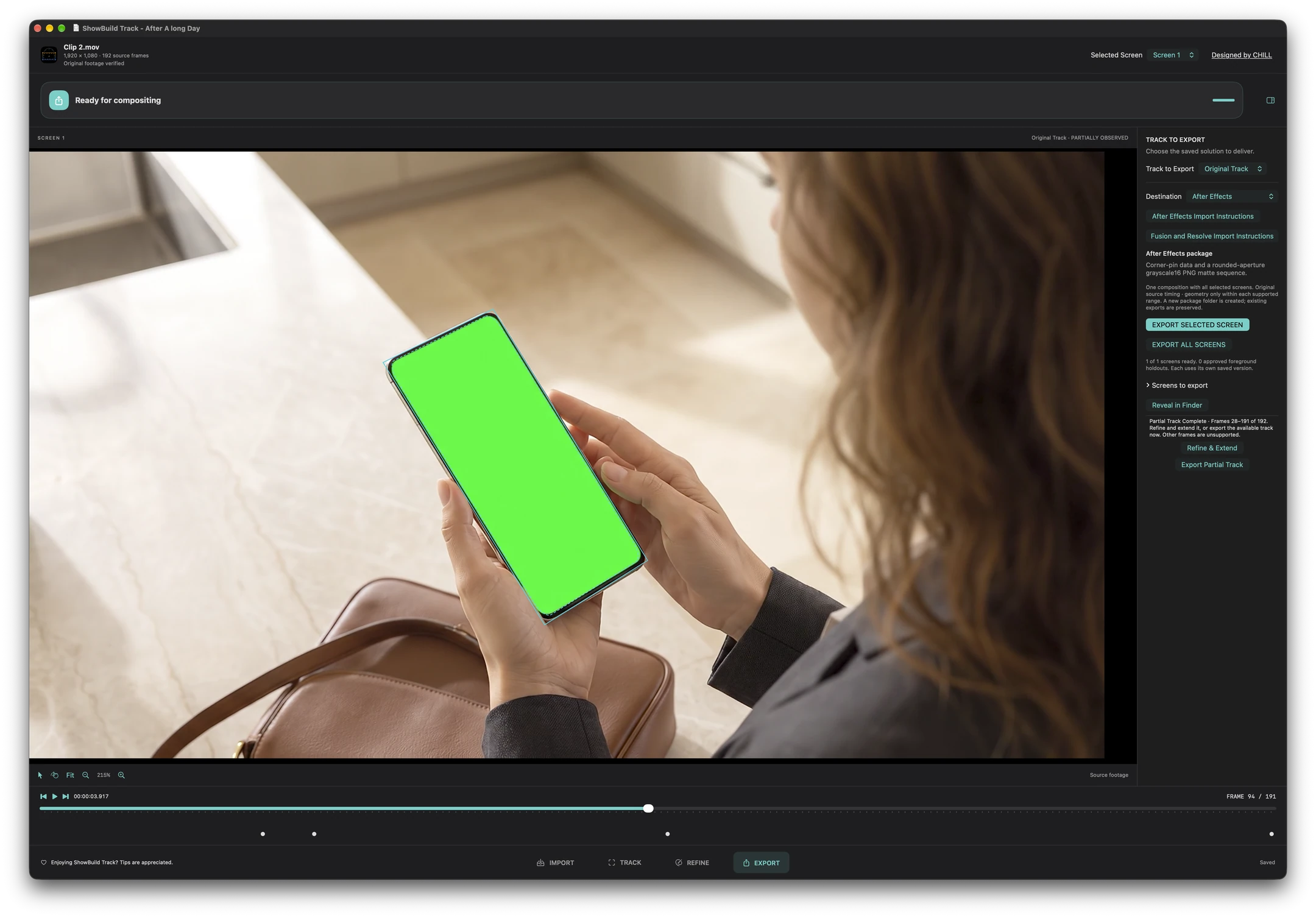
04 / Export
Ready for your compositor.
Take the screen movement and approved foreground mattes into Adobe After Effects, the Fusion page in DaVinci Resolve Studio, or Fusion Studio. Add replacement artwork in your compositor.