
ShowBuild for Apple TV
Coming SoonYour production.
On the big screen.
Turn ShowBuild into a shared digital production status board. Keep running times, producer notes, VFX shot lists, and team calendar events in view across the edit suite, production office, or studio.
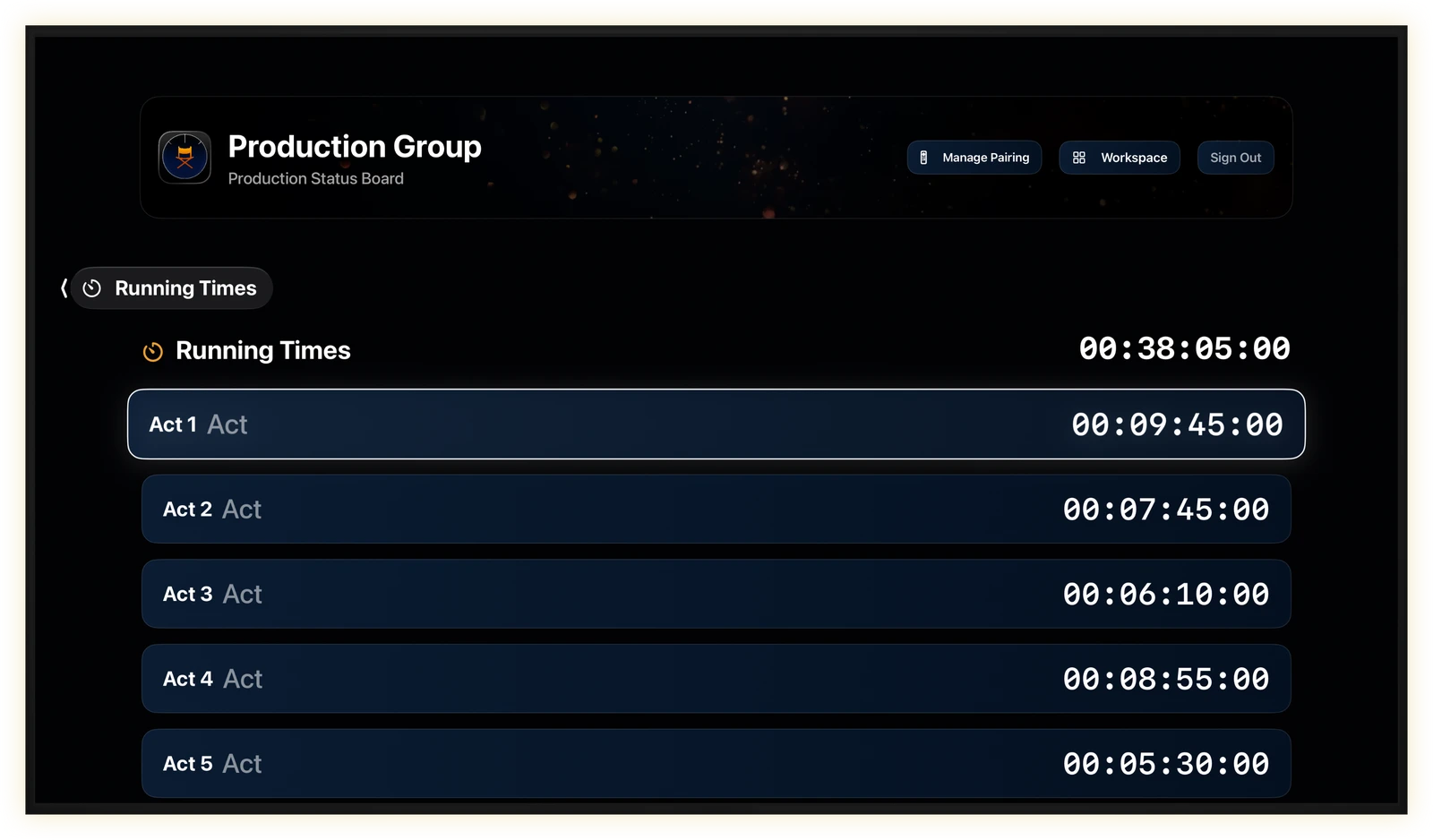
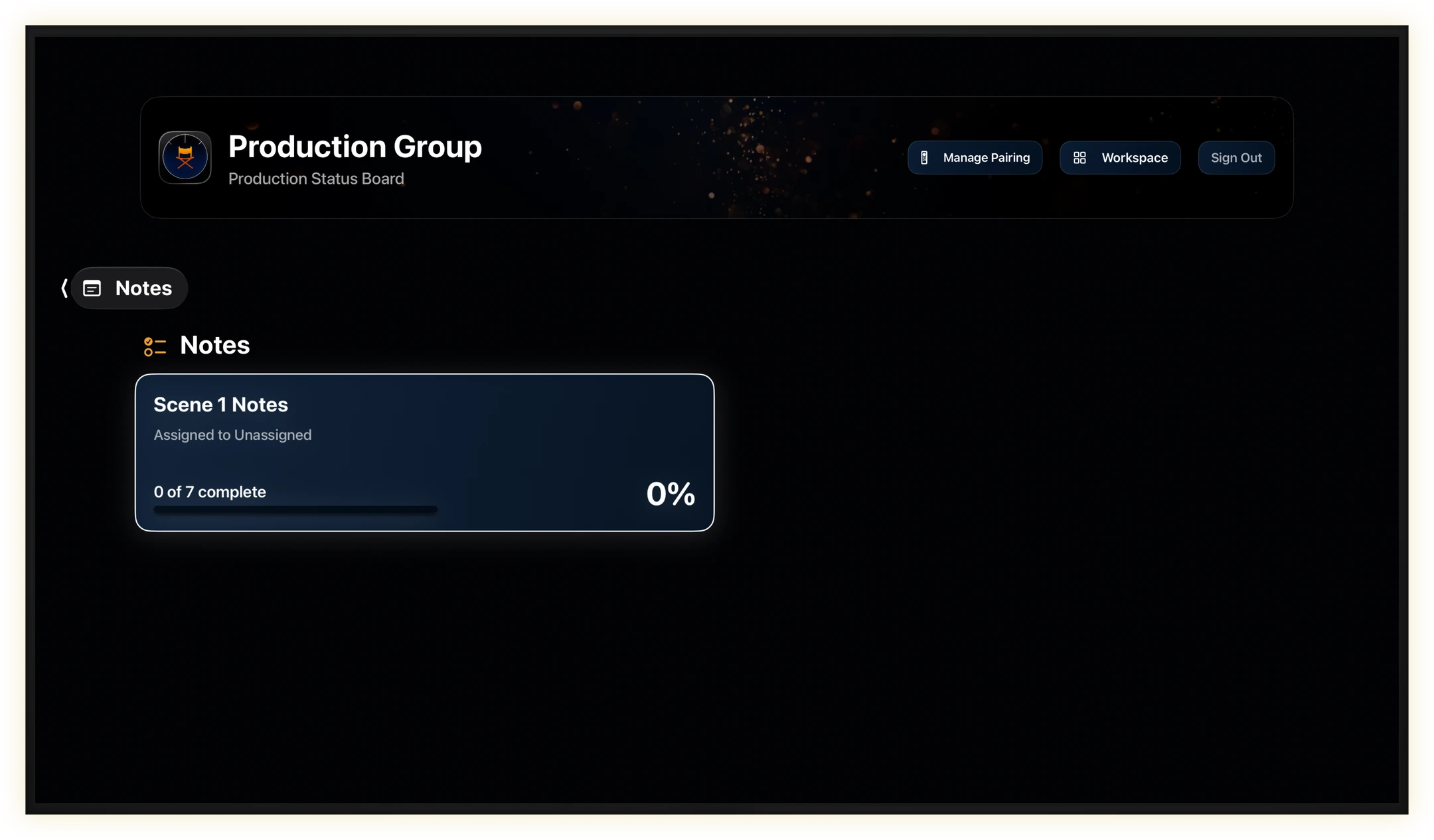
Running Times & Producer Notes
Keep everyone up to date.
How long is the current cut? How many notes are complete? Put act lengths and note status on the room’s display so the team can check either at a glance without interrupting the edit.
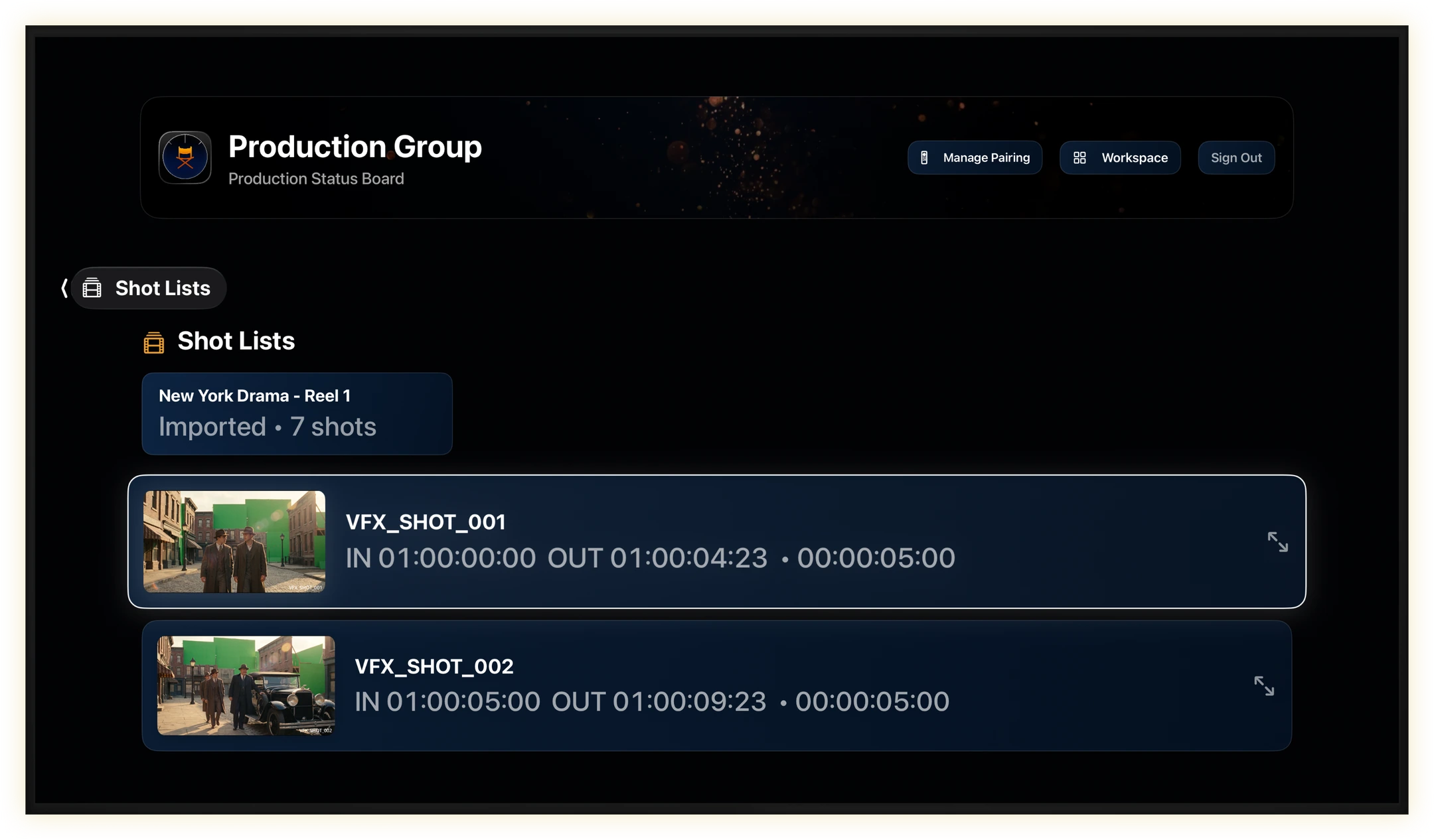
VFX Shot Lists
Keep the shot list in view.
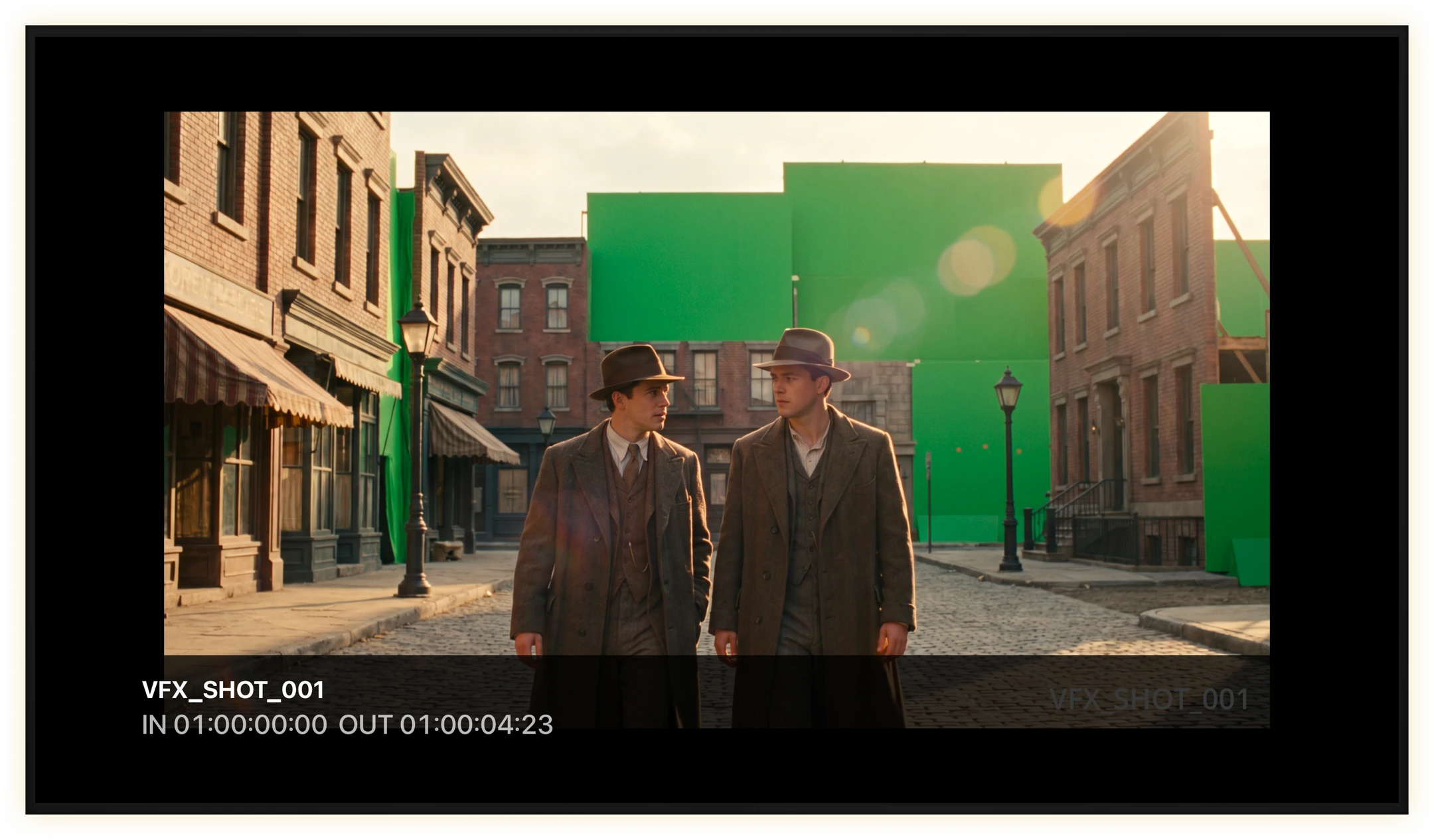
Bring the shared shot list into the screening room. Review the shot IDs and timecodes together, then open a reference image so everyone can see the frame under discussion.
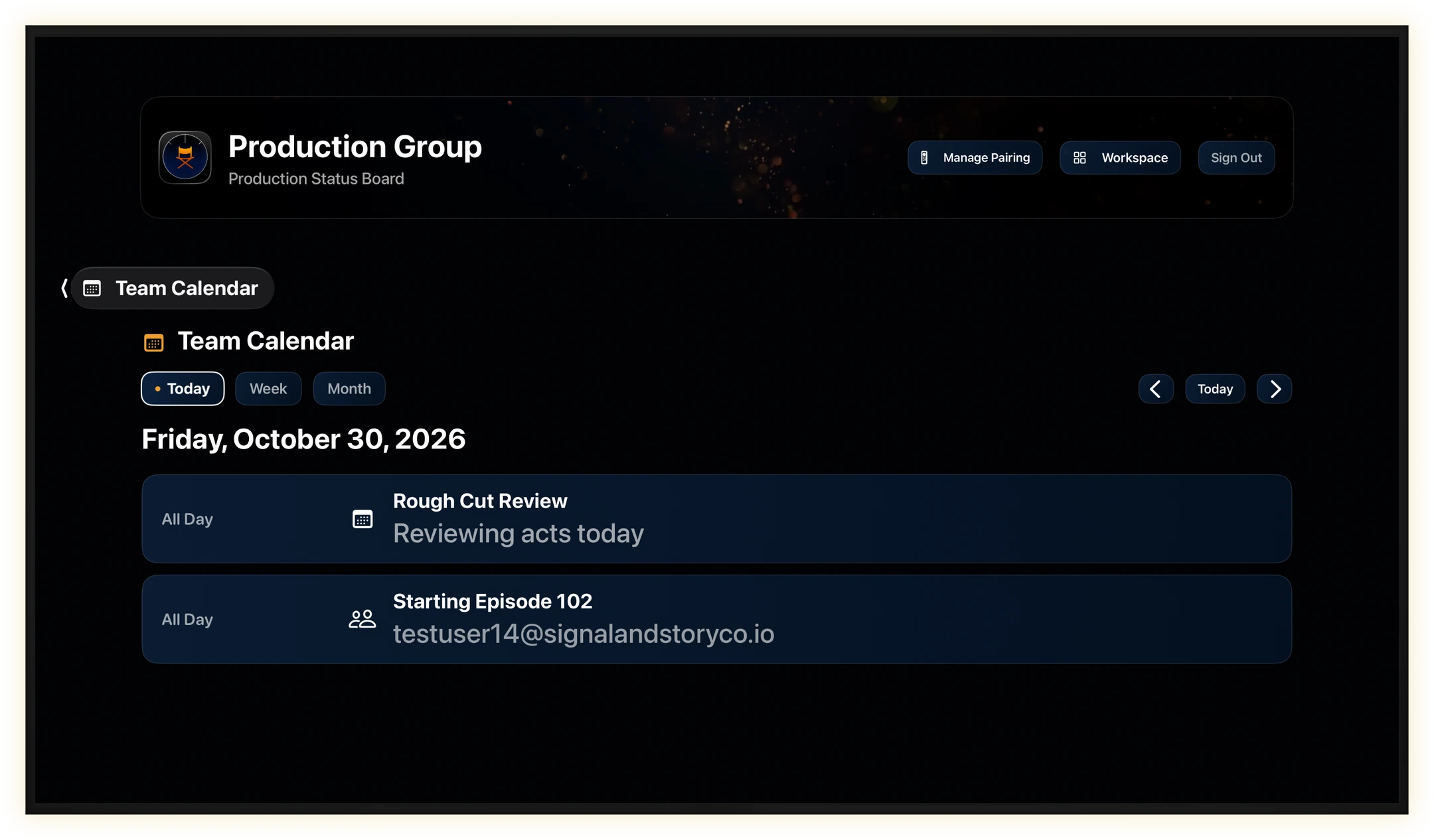
Team Calendar
Keep the team on schedule.
Put upcoming reviews, deadlines, and production dates on the conference room screen. Everyone can see what’s next while planning the day together.
The companion app
Part of your ShowBuild workspace.
Create and manage your workspace in ShowBuild for Mac or iPhone. Pair Apple TV with that workspace to bring the same production information to a shared screen.